

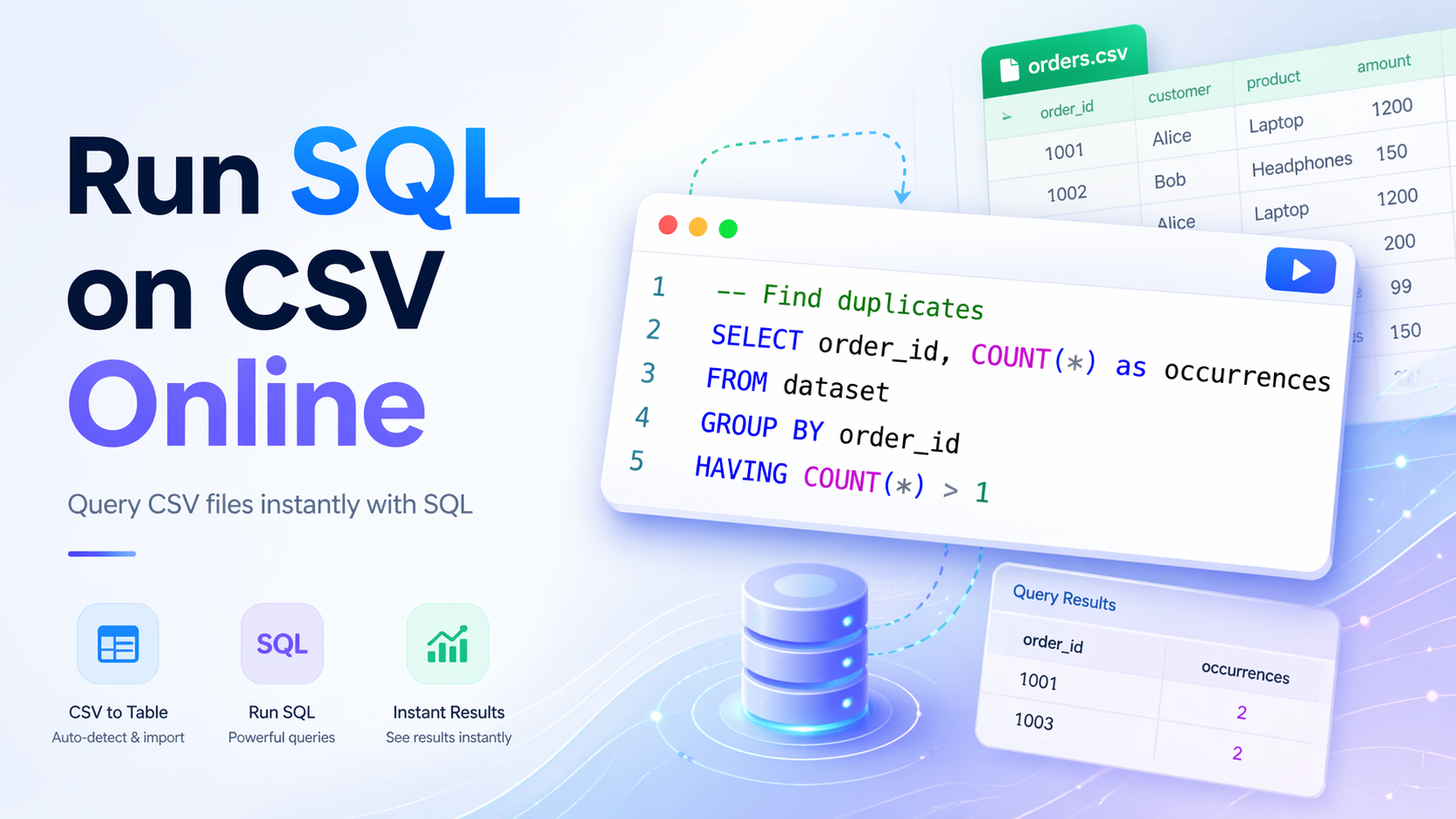
The problem with CSV files and SQL
You have a CSV. You need to answer a question about the data. Maybe you want to count how many rows match a condition, or group by a category and sum a column, or find duplicates, or check whether a file you just received actually contains what you expected.
The typical options are not great. Excel works for simple things but falls apart the moment you need a GROUP BY or have more than a hundred thousand rows. Python works but only if you have an environment set up, and spinning up a notebook to run a single query feels like overkill. Loading the file into a real database is the right long-term answer but nobody wants to create a table, import a CSV, and write a schema definition just to answer one question.
There is a faster path. You can run full SQL against a CSV file directly in your browser, with no install, no local database, and no Python. Upload the file, write the query, get the answer in seconds.
How it works in ParquetReader
Upload your CSV file at parquetreader.com. Within a few seconds you see the schema with inferred column types and a preview of the data.
Your file is available as a table called dataset. Open the SQL editor, write a query, and run it. Results appear below the editor immediately.
The SQL engine handles CSV files well. Column types are detected automatically, quoted fields and different delimiters are handled out of the box, and most real-world CSV quirks just work without any configuration.
The kinds of queries you can run
Anything you can write in standard SQL works here. Filtering, grouping, aggregating, window functions, subqueries, string operations, date arithmetic.
A few examples of queries that come up often in practice:
-- Count rows by status
SELECT status, COUNT(*) as total
FROM dataset
GROUP BY status
ORDER BY total DESC
-- Find rows where a value is missing
SELECT *
FROM dataset
WHERE email IS NULL OR email = ''
-- Get the top 10 by revenue
SELECT customer_id, SUM(amount) as revenue
FROM dataset
GROUP BY customer_id
ORDER BY revenue DESC
LIMIT 10
-- Find duplicates
SELECT order_id, COUNT(*) as occurrences
FROM dataset
GROUP BY order_id
HAVING COUNT(*) > 1
These are the kinds of questions that take thirty seconds to answer with SQL and fifteen minutes to answer by scrolling through a spreadsheet.
Pick the SQL dialect you are used to
ParquetReader lets you choose which SQL dialect you want to write your queries in. Supported dialects are BigQuery, Snowflake, Postgres, MySQL, SQLite, and DuckDB.
This matters when you are used to one specific syntax and do not want to remember which flavor has which function. If you normally work in BigQuery, pick BigQuery. If your team runs on Snowflake, pick Snowflake. Your query works with the functions and syntax quirks you already know.
For most simple queries the dialect choice does not matter much. Where it starts to matter is in date functions, string operations, and window function syntax. Being able to write your usual DATE_TRUNC or QUALIFY without thinking about dialect translation saves real time.
Working with large CSV files
CSV files over 100 MB are where tools like Excel genuinely fail. ParquetReader handles files up to several hundred megabytes comfortably on most modern laptops. For files in the gigabyte range, performance depends on your machine and what your query is doing.
If you regularly work with very large CSV files, one option is to convert to Parquet first. Parquet is columnar and compressed, so queries only read the columns they need rather than scanning the entire file. A 500 MB CSV might become a 50 MB Parquet file that queries significantly faster. See the CSV to Parquet converter for that workflow.
For files that are too large to upload, the self-hosted version of ParquetReader can connect directly to S3 or other object storage and query files without moving them. See the S3 integration guide for details.
Exporting your query results
Once you have a query result you are happy with, you can export it. CSV, JSON, and Parquet are all available. You are not limited to exporting the full original file. If your query returns 200 rows from a 2 million row CSV, you download those 200 rows.
This is useful when you need to hand a specific subset of data to someone else, import filtered results into another tool, or create a cleaned version of the data for a downstream pipeline. You use SQL to define exactly what you want and export precisely that.
Reading is free: the schema, every row, search, sort, and SQL over the whole dataset. Exporting the results of a query requires a Day Pass or Pro subscription. The Day Pass is a one-time payment that unlocks exports for 24 hours. No recurring charge, no account required.
Date and time queries
Date columns in CSV files are plain text, but column types are inferred automatically when the file loads. A column called created_at with values like 2025-03-15 will usually be detected as a date and you can filter and group on it directly.
A few useful date queries:
-- Filter by date range
SELECT *
FROM dataset
WHERE created_at >= '2025-01-01'
AND created_at < '2026-01-01'
-- Group by month
SELECT
  DATE_TRUNC('month', created_at) as month,
  COUNT(*) as total
FROM dataset
GROUP BY month
ORDER BY month
If a date column is not auto-detected because of a non-standard format, you can cast it explicitly in your query or use a dialect-specific parse function.
Common questions
What is the maximum file size?
There is no hard limit for most use cases. Files under 500 MB generally query without issues. For files in the gigabyte range, converting to Parquet first significantly improves query speed.
Does it handle CSV files with different delimiters?
Yes. Common delimiters are detected automatically, including tab-separated files, semicolon-separated files from European Excel exports, and pipe-delimited files.
Which SQL dialects are supported?
You can choose between BigQuery, Snowflake, Postgres, MySQL, SQLite, and DuckDB. Pick the one that matches the syntax you are most comfortable with.
Can I export the results of my SQL query?
Yes, with a Day Pass or Pro subscription. The free tier lets you preview results but full result export requires unlocking access. Exports support CSV, JSON, and Parquet.
Can I query multiple CSV files at once?
In the current interface you upload one file per session. For joining multiple files, the most practical approach is to convert each to Parquet separately and use the API or self-hosted version for joined workflows.
Related guides
- 18 SQL data validation queries for nulls, duplicates, invalid values, and outliers
- How to open a large CSV file online for files that Excel cannot handle
- CSV to Parquet converter for faster downstream querying
- Run SQL on Parquet files for the same workflow with columnar files
- Query files directly from S3 for large-scale workflows
- Convert and query data files online for an overview of all supported formats